Ir para conteúdo
View in the app

A better way to browse. Learn more.

Siga Bem Caminhoneiro SAMP

A full-screen app on your home screen with push notifications, badges and more.

To install this app on iOS and iPadOS
  1. Tap the Share icon in Safari
  2. Scroll the menu and tap Add to Home Screen.
  3. Tap Add in the top-right corner.
To install this app on Android
  1. Tap the 3-dot menu (⋮) in the top-right corner of the browser.
  2. Tap Add to Home screen or Install app.
  3. Confirm by tapping Install.

Scott

Mídia
  • Registro em

  • Última visita

  1. Scott começou a seguir Creeping
  2. Scott começou a seguir Marllun
  3. Fritos começou a seguir Scott
  4. Scott começou a seguir Shadow
  5. Shadow começou a seguir Scott
  6. tópico respondeu ao CARRASCO de Scott em Anúncios DJ
    Nick: Scott Nickname Discord: Scott9 Playlist: Nostalgicas 1 - When Love Takes Over - David Guetta 2 - I Gotta Feeling - The Black Eyed Peas 3 - Promiscuous - Nelly Furtado 4 - Ooh Ahh (My Life By Like) - Grits 5 - Life Is a Highway - Rascal Flatts 6 - Club Can't Handle Me - Flo Rida 7 - Empire State of Mind - Jay-z 8 - Hey Soul Sister - Train 9 - Pumped Up Kicks - Foster The People 10 - Rude - MAGIC! 11 - Sugar - Maroon 5 12 - Summer - Calvin Harris 13 - Party Rock Anthem - LMFAO 14 - Runaway - Galantis 15 - Hey Mama - David Guetta 16 - Mind - Jack Ü 17 - Shake It Off - Taylor Swift 18 - Can't Remember to Forget you - Shakira 19 - Danza Kuduro - Don Omar 20 - Bandoleros - Don Omar

  7. Scott começou a seguir Micteo
  8. Scott começou a seguir EverDadi
  9. Micteo começou a seguir Scott
  10. EverDadi começou a seguir Scott
  11. Scott começou a seguir CARRASCO
  12. Neste link você consegue ter acesso ao PDF do manual oficial do gta San Andreas para versão de PC: Manual Oficial do GTA San Andreas de PC
  13. Pontos de Interesse de San Andreas Los Santos San Fierro Las Venturas
  14. Regiões de San Andreas Bairros Los Santos San Fierro Las Venturas Red County Flint County Whetstone Tierra Robada Bone County
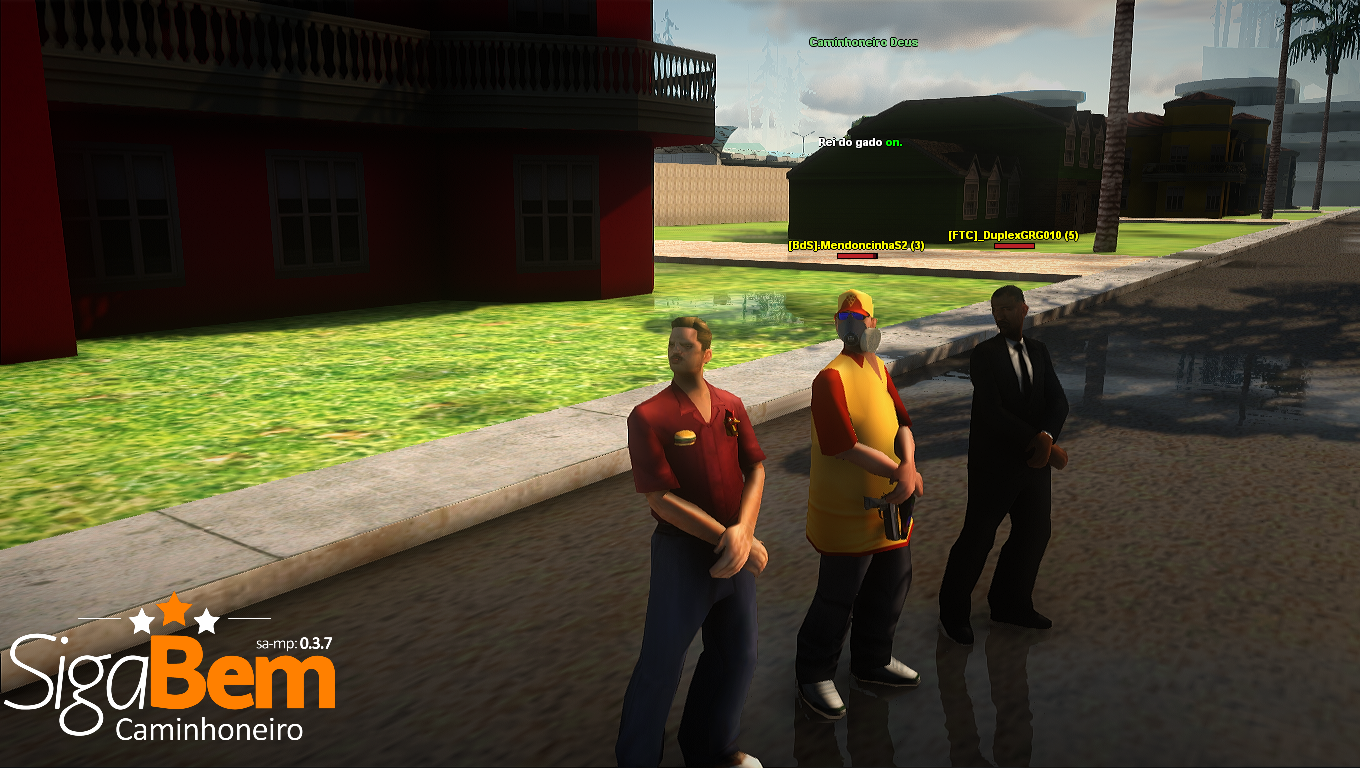
  15. Nickname: [FTC]Scott Score: 22100

Account

Navigation

Pesquisar

Pesquisar

Configure browser push notifications

Chrome (Android)
  1. Tap the lock icon next to the address bar.
  2. Tap Permissions → Notifications.
  3. Adjust your preference.
Chrome (Desktop)
  1. Click the padlock icon in the address bar.
  2. Select Site settings.
  3. Find Notifications and adjust your preference.